AICA Studio
Real-time robotics control software
- Project
- AICA Studio, launcher
- Year
- 2026
- Role
- UX/UI Design & Front-end Integration
- Discipline
- UX & UI Design, Design System, Front-end Dev.
Overview
AICA Studio is the interface where engineers bring robotic systems to life: a visual canvas for connecting hardware, defining behaviours, and running applications directly on the robot.
Motion
Built with
- Figma
- Next.js
- Typescript
- Flowbite CSS
- React Flow
A graph instead of a codebase
Getting an industrial robot to move traditionally requires engineers to manually connect controllers, state broadcasters, and trajectory services through code. AICA Studio transforms this complexity into a visual node graph, where each block exposes its transitions, predicates, signals, and services as connectable ports.
The main design challenge was maintaining legibility as applications scale. Real robot behaviours can quickly grow beyond a single screen, so nodes are reduced to their essential information, ports are grouped into clear sections, and colour is used only to communicate meaning — violet for predicates, blue for signals, and green or red for operational states.
An editor that adapts to the workflow
Different engineering tasks require different perspectives on the same robotic application. AICA Studio was designed as a flexible workspace where panels adapt to the current need.
The main canvas remains focused on the graph and 3D visualisation, while contextual panels provide access to the underlying YAML, parameters, live data, logs, and state monitoring. A dedicated project panel handles application-level information such as versioning, saving, and metadata, while allowing engineers to hide it when more space is needed.
Designed for something that moves
A robot application is not only designed — it is constantly changing while running. Once execution starts, the same visual system becomes a live monitoring tool: hardware nodes report their status, controllers indicate their activity, and the state table tracks changing conditions in real time.
Nodes transform during runtime to reflect their current state, helping engineers quickly understand what is happening in the robot or simulation without having to read through logs or code. The interface bridges the gap between configuration and operation, making complex robotic behaviour visible and easier to debug.
© Alexia Lechot — for AICA SA
Next project
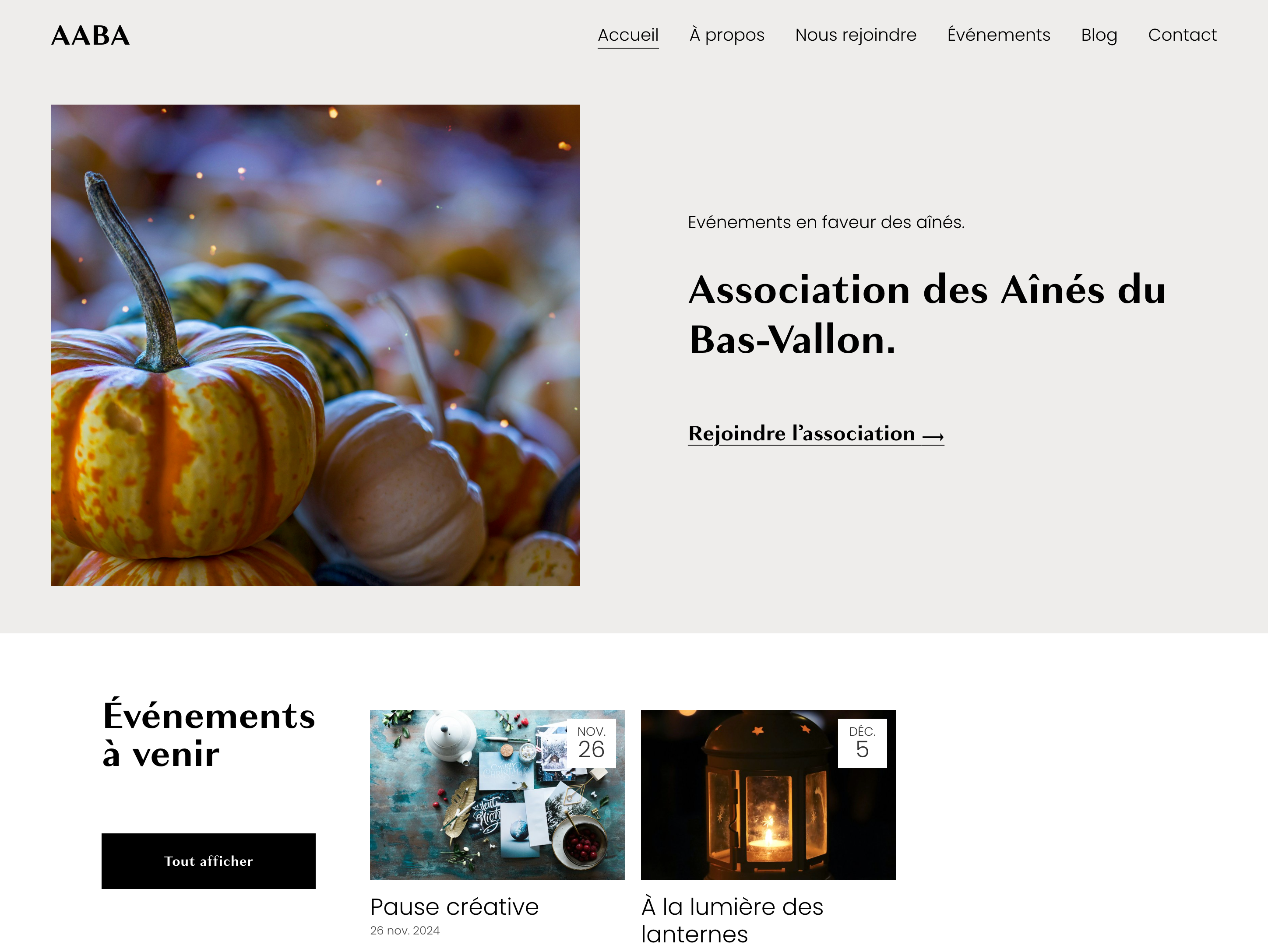
AABA
Digital design & communications for a seniors association